Book, cancel and the waitlist
Book a class, cancel in time and grab a spot that opens up.
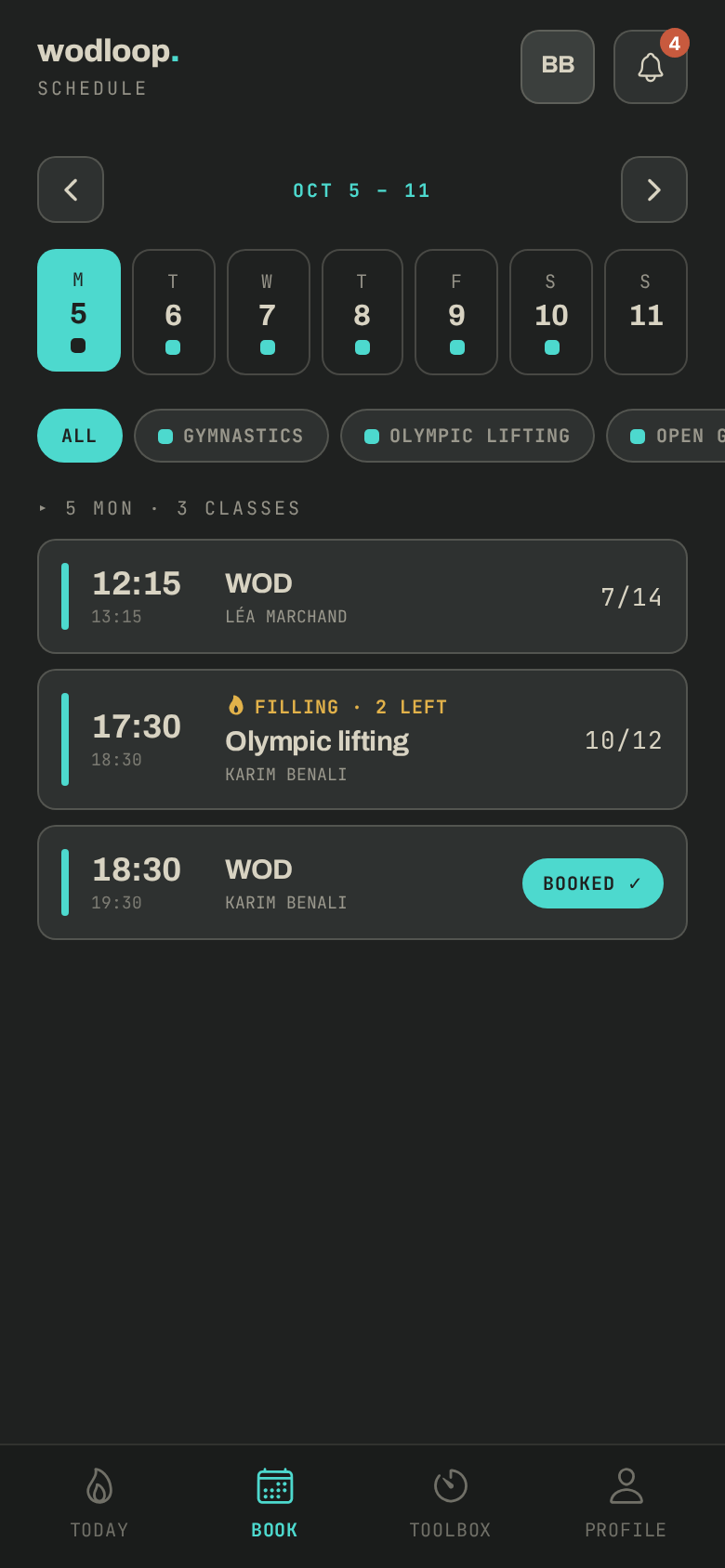
It all happens in the Book tab, which shows your box's schedule for the week.
Book a class
- In Book, pick the day, and filter by activity if you like.
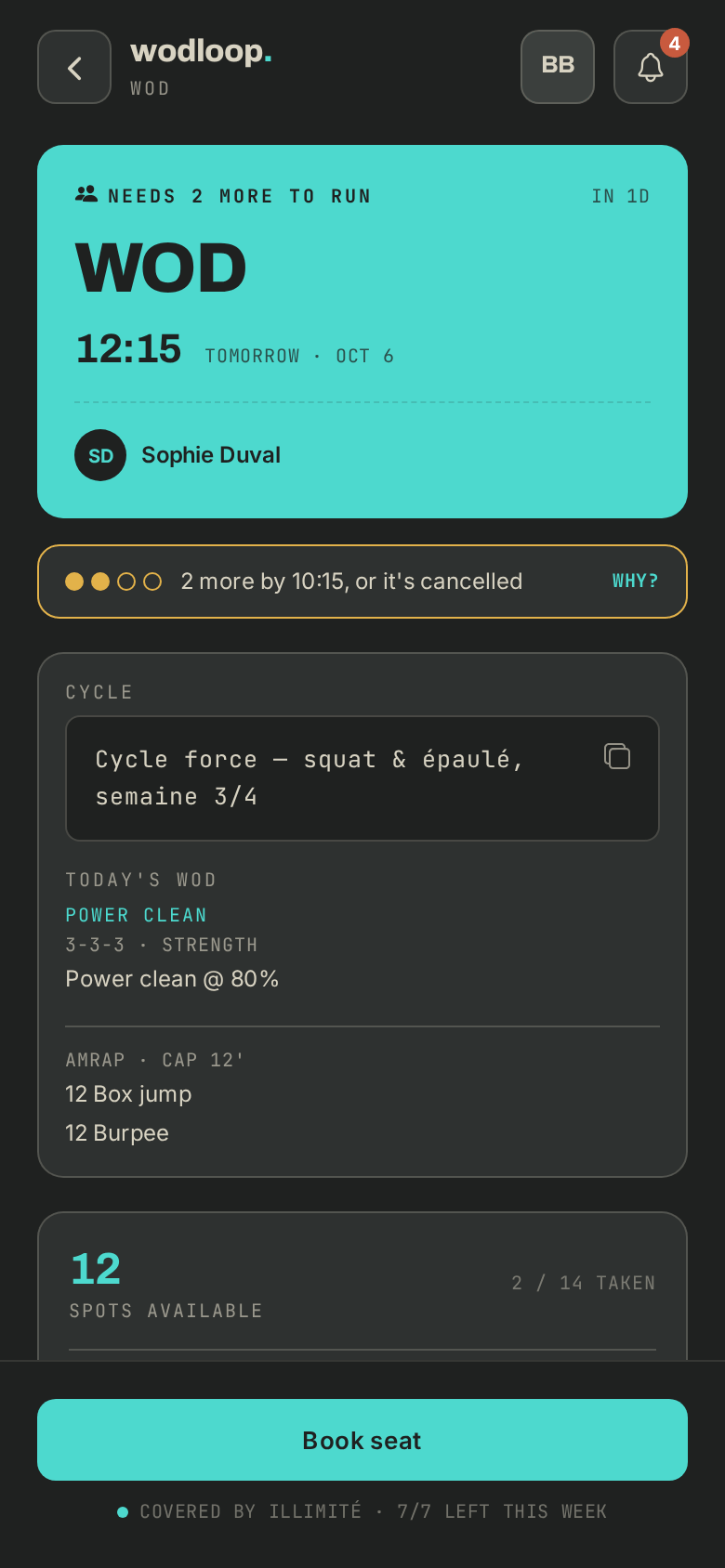
- Tap a class to open it, then Book seat and confirm.
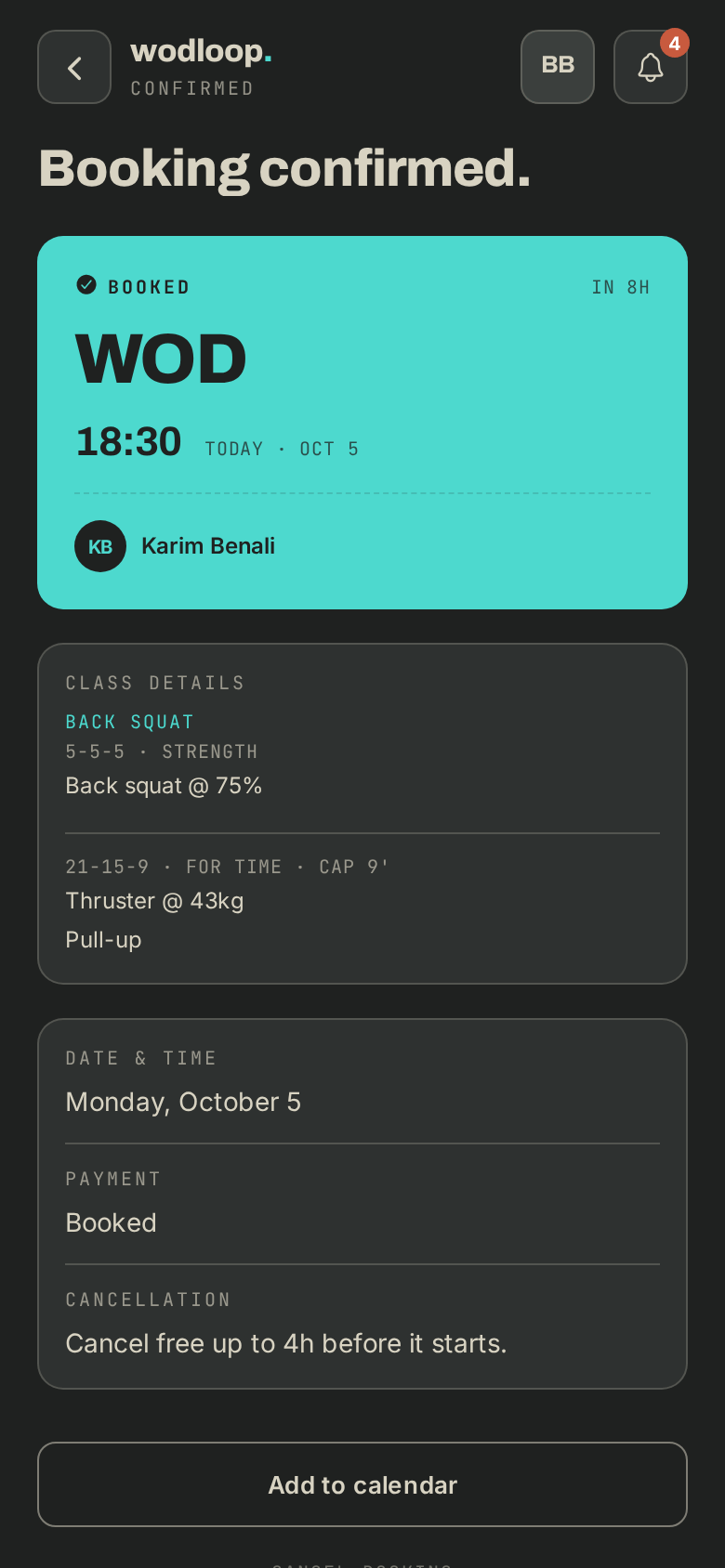
- Your booking shows on Today and under Profile > My bookings. You can Add to calendar.
If your membership has no bookings left that week and no pack covers the class, the app offers Book anyway? with a one-off charge, or Pick another time.
Waitlist
- On a full class, tap Join waitlist.
- Tick Auto-confirm if a spot opens to have the spot taken for you (only if your plan or a pack covers it).
- Otherwise you get notified: open the booking and tap Claim spot before the time shown runs out.
Cancel
- Open your booking and tap Cancel booking (or Leave waitlist).
- Cancelling is free up to the deadline your box sets, shown on the booking (Cancel free up to …h before it starts).
- After that it is a Late cancel: depending on your box's rules, it counts as a strike or triggers the no-show penalty. Your strikes are under Profile > Warnings.
Class short of sign-ups
A class can show Not enough sign-ups yet and "N more sign-ups keep it on". If the minimum isn't reached by the deadline, the box cancels it: you are notified, nothing is charged and your credit comes back.
If it goes wrong
- Can't book or bookings blocked: contact your box. Its details are on its page: tap your box's logo at the top of the screen (with several boxes, About this gym), under Contact.
- A problem with the app itself: write to Wodloop support, support@wodloop.com.