Install the app and sign in
Create your Wodloop account, sign in and pick your box.
Wodloop is your box's app: schedule, bookings, WODs and PRs. Install it from the App Store or Google Play, then follow these steps.
Create your account
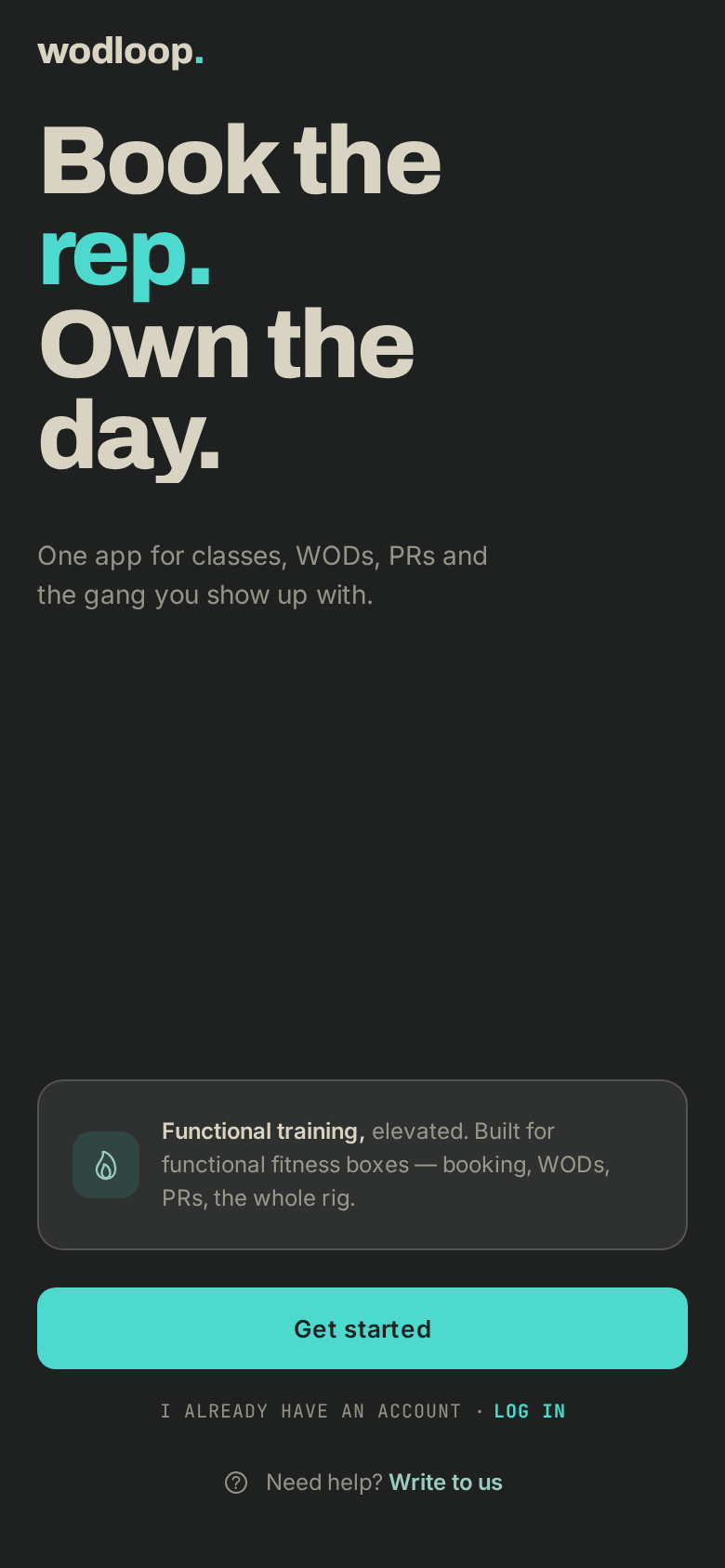
- Open the app and tap Get started.
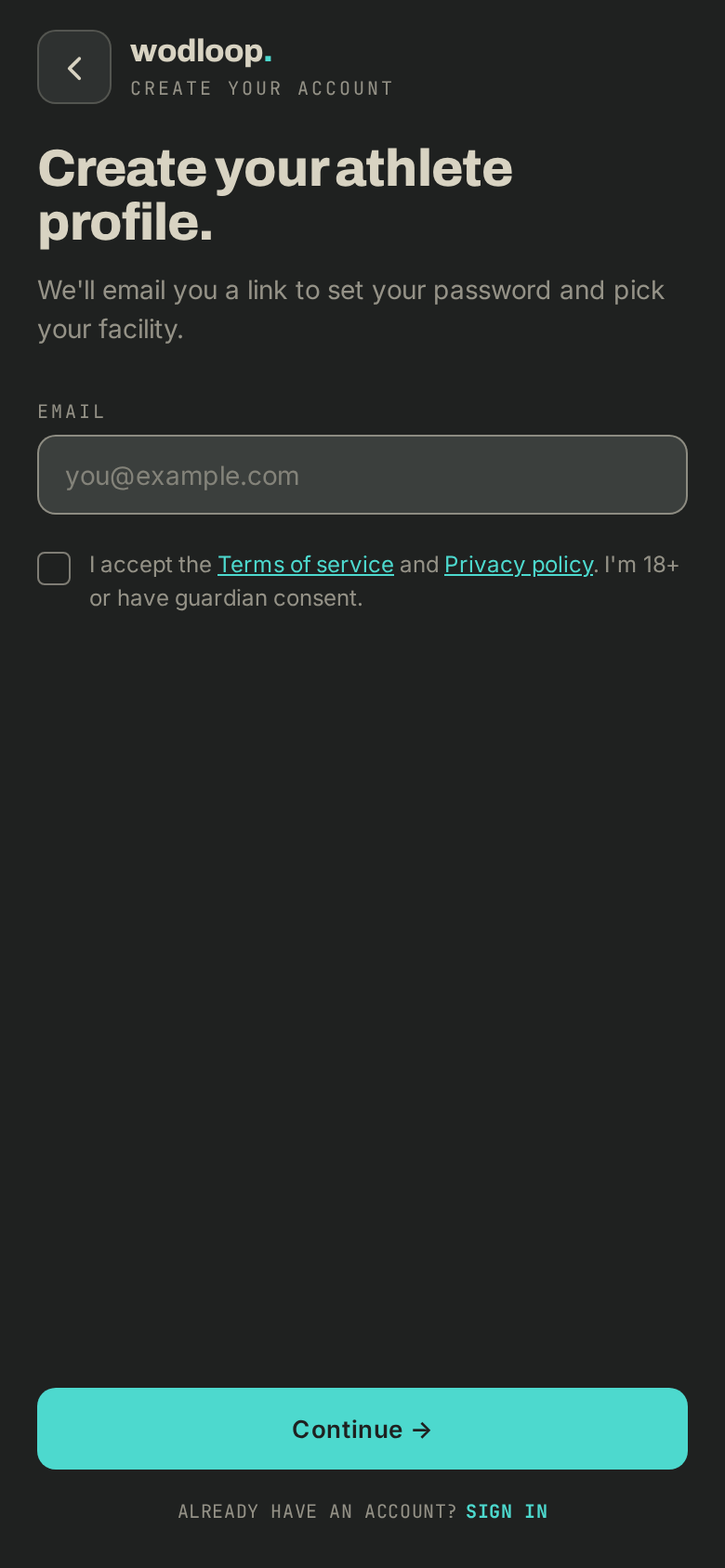
- Enter your Email, tick the terms of service box, then tap Continue →.
- Open the link we emailed you. On the Set your password. screen, pick a password of at least 12 characters and confirm it.
- Pick your box: search by name or city, tap it, then Choose this facility.
- On Say hello., fill in your first name, last name and phone, then Save and continue. You can also tap Skip for now.
Your box created your account
If your box added you itself, you get an email "[your box] added you on Wodloop" instead.
- Open its link (good for 7 days). On the Set your password. page, pick a password of at least 12 characters, confirm it, then click Confirm account.
- Open the app, tap Log in and enter that email and password.
Sign in
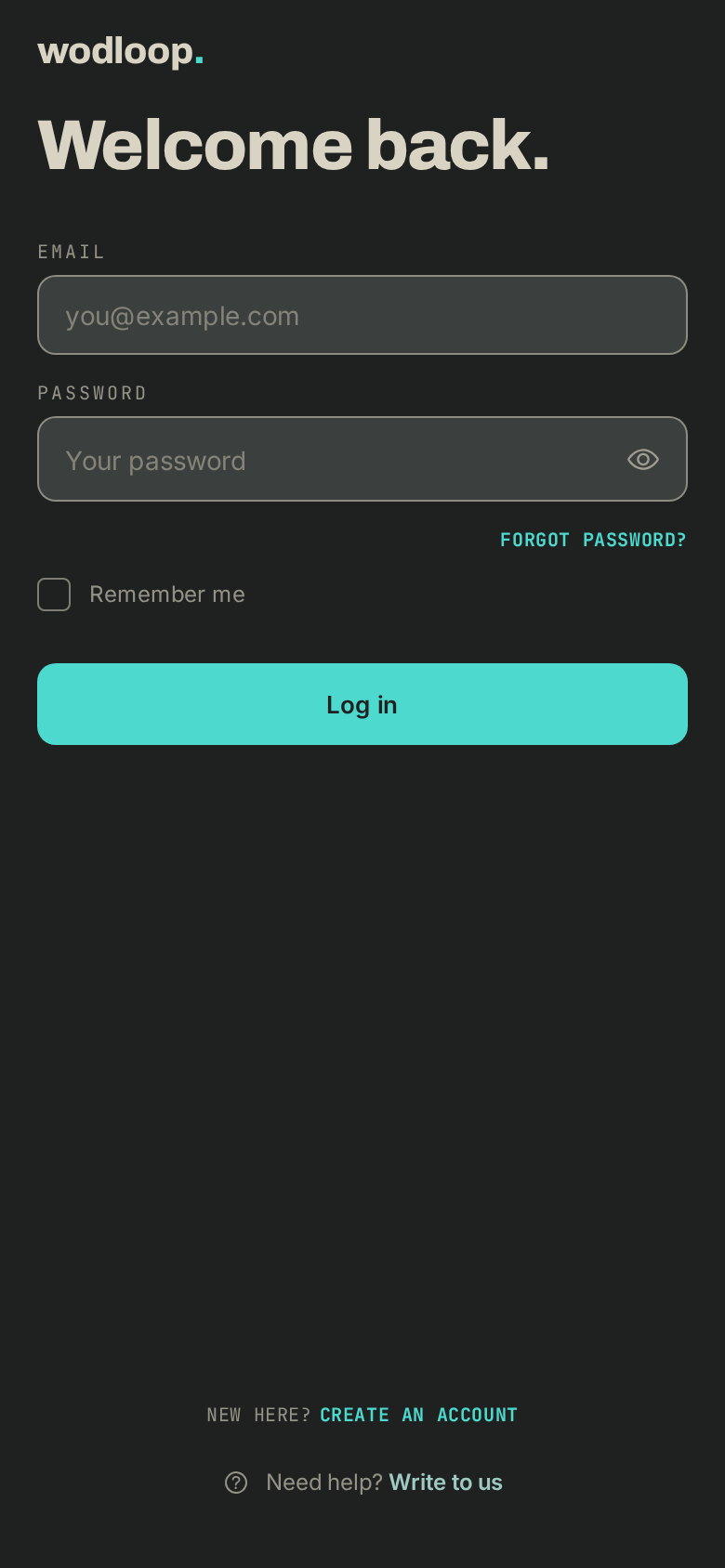
- Tap Log in and enter your email and password. Tick Remember me to stay signed in.
- Forgot your password? Tap Forgot password?, enter your email, then Send reset link. The link we send lets you pick a new one.
Your box isn't listed
The list shows your own boxes first, then the nearest ones if you allow location. The others are hidden: type its name or city in Search by name or city. If the search says No facilities matching, check the spelling, then ask your box whether it uses Wodloop.
If it goes wrong
- No email? Check your spam folder, then start again with the right address.
- The page says That confirmation link is invalid or expired.: the link is past its 7 days, or your box has sent you a newer one. Open the newest email, or ask your box to resend the invitation. You can also tap Forgot password? in the app with the same address.
- A question about your membership or bookings: contact your box. Its details are on its page: tap your box's logo at the top of the screen, under Contact.
- A problem with the app or your account: write to Wodloop support, support@wodloop.com.