Your box's news
Read the news your box posts, on Today or on its page, and choose how you hear about it.
Your box posts its news in the app: holiday hours, an event, new kit. Each post has a title, some text and sometimes a photo.
On Today
- On the Today tab, the Box news card shows the post your box has pinned, or else the latest one you haven't read.
- Tap the card to read the whole post. Web addresses in the text open with a tap.
- See all opens your box's page, with all its news.
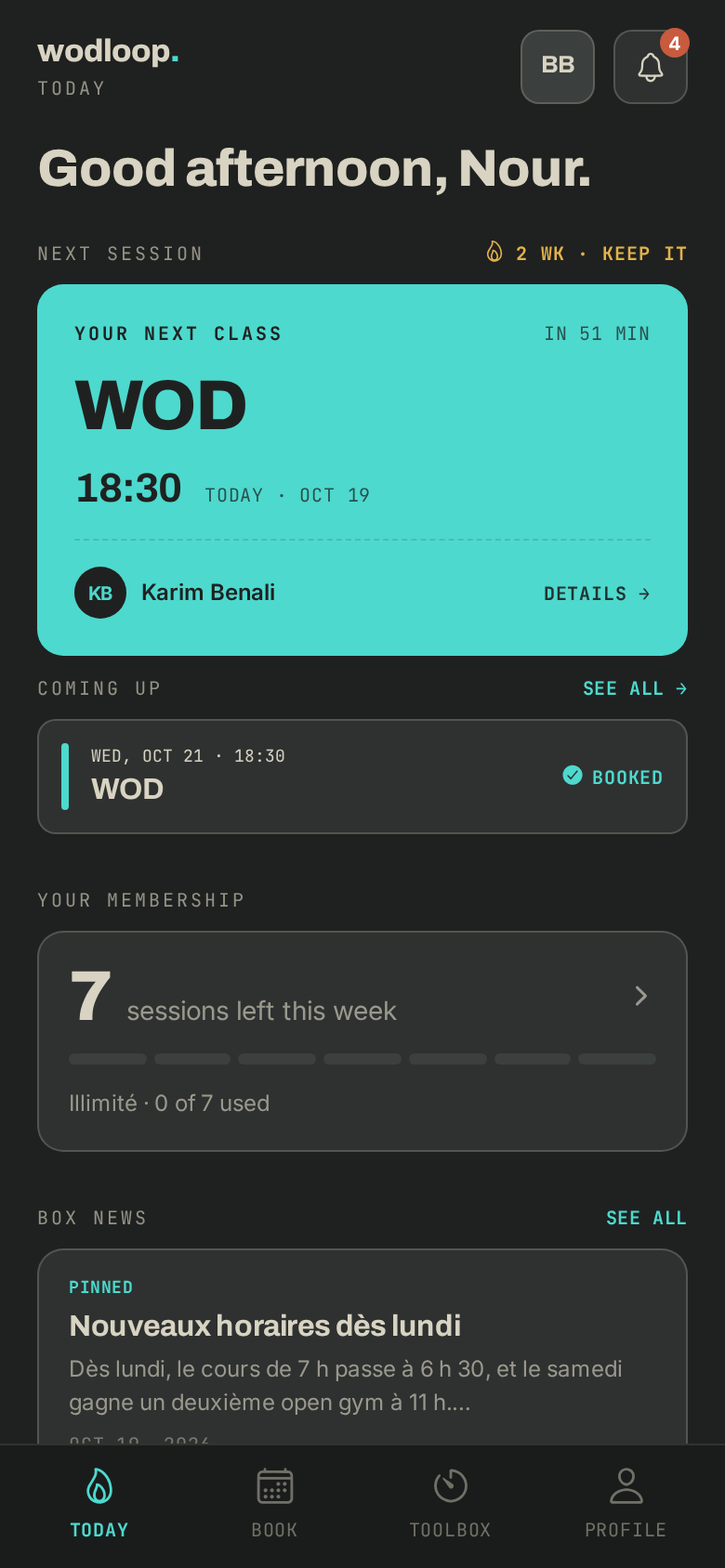
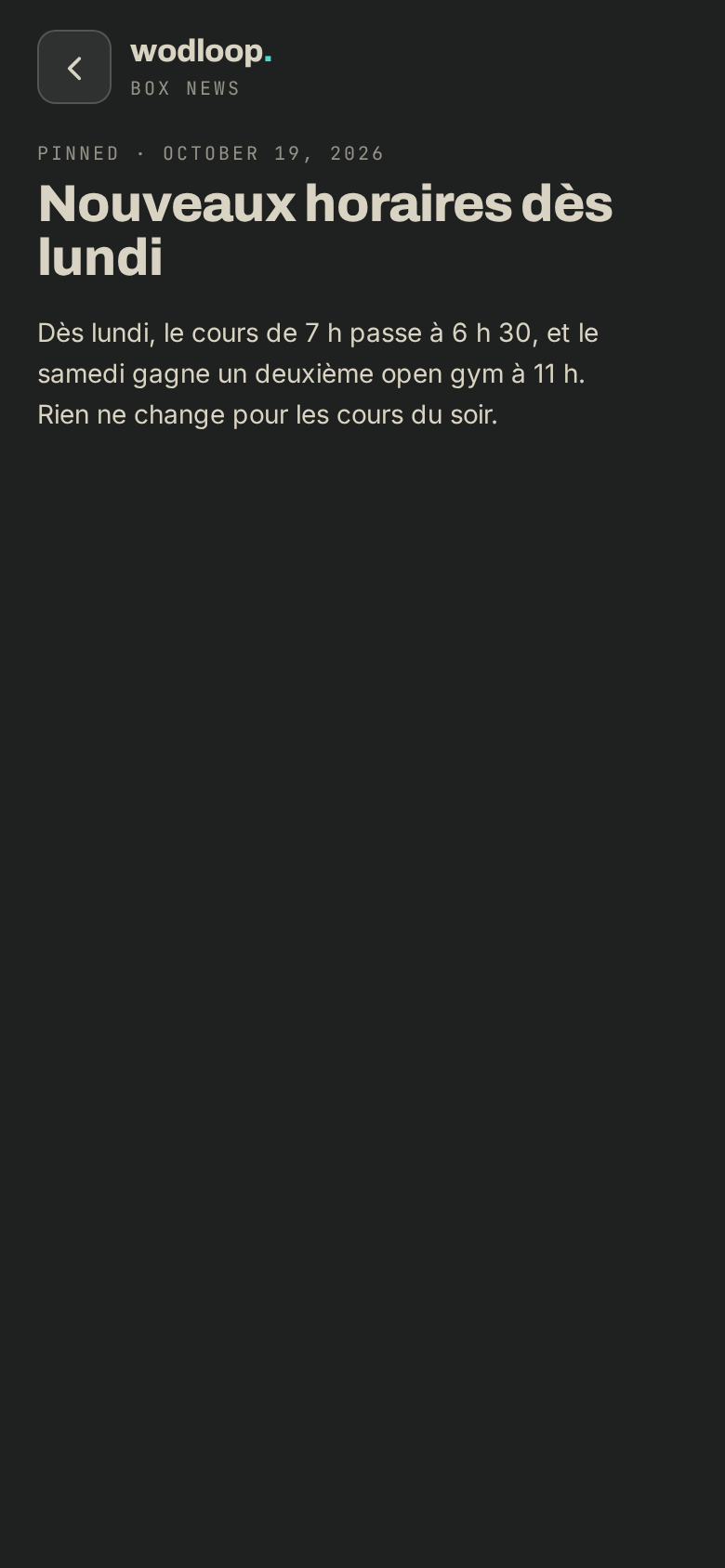
Once you've opened a post, it counts as read. When everything is read and nothing is pinned, the card goes away.
On your box's page
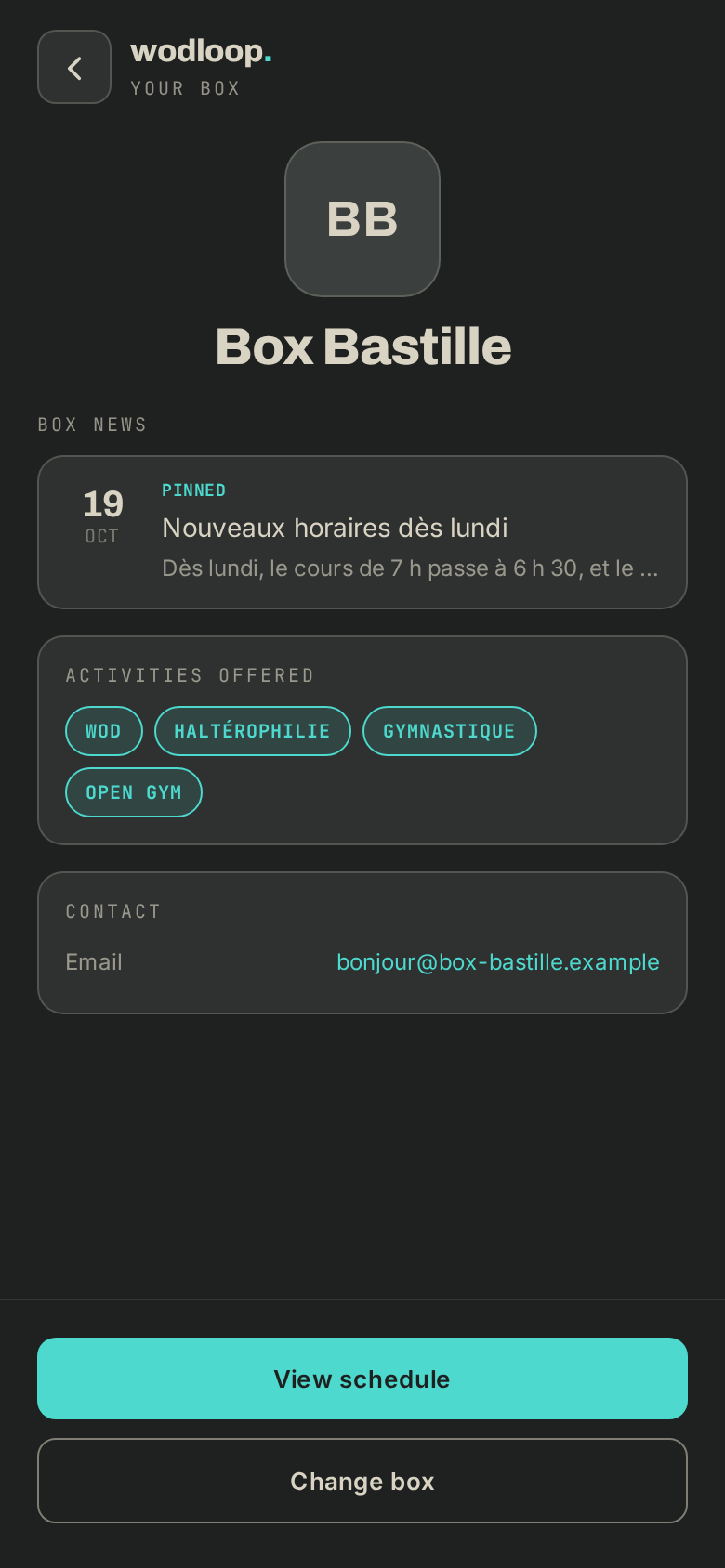
- Tap your box's logo at the top of the screen (with several boxes, About this gym).
- The Box news section lists the posts, each with its date. Pinned posts come first, then the newest.
- New marks a post you haven't opened yet, Pinned one your box wants you to see.
- Tap Older news → to go further back.
Your box can keep a post for members with a running membership or a pack, and give it an end date: after that date, it no longer shows.
The notification
When your box chooses to let its members know, you get a notification. Tap it to open the post, at the right box if you have several.
Choose how you hear about it
- Go to Profile > Notifications.
- Under Gym, find the Gym announcements row.
- By default, App and Push are ticked and Mail isn't. Tick or untick as you like.
Even without a notification, the news stays on Today and on your box's page. For the rest of the settings, read Notifications and emails.
If it goes wrong
- Couldn't load this news post.: the post may have been taken down or reached its end date. Otherwise, check your connection and tap Retry.
- A question about a post: contact your box. Its details are on its page: tap your box's logo at the top of the screen (with several boxes, About this gym), under Contact.
- A problem with the app itself: write to Wodloop support, support@wodloop.com.