Memberships, packs and paying
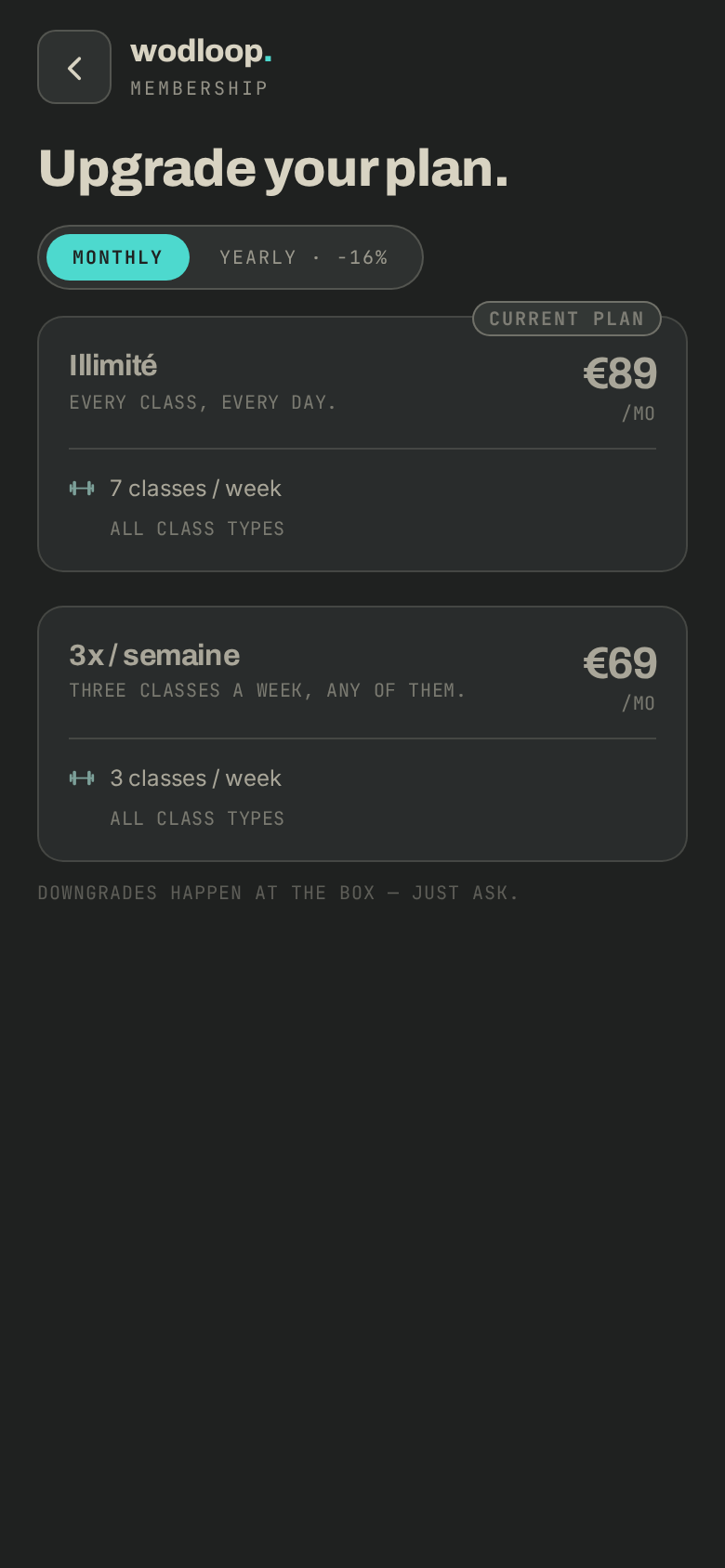
Take a membership or a class pack and pay by card or at the box.
A membership gives you classes every week at your box. A pack is a set of classes to use when you like. Plans and prices are set by your box.
Take a membership
- Go to Profile > Membership, then tap Choose a plan.
- Pick Monthly or Yearly, tap a plan, then Continue.
- On Review & confirm., pick how to pay: Card (pay now), At the box (cash, card or transfer at reception) or, if your box collects by direct debit, SEPA direct debit. In every case it's active right away.
- With Card, tap Pay by card: the secure payment page opens in your browser. With SEPA direct debit, tap Confirm: the amount is debited in one go on the date shown, a yearly plan included. No mandate yet? Tap Sign the mandate, sign, and you come back to confirm. Otherwise, tap Activate.
If your box doesn't take card payments, the app says so: you pay at reception on your next visit.
Buy a pack
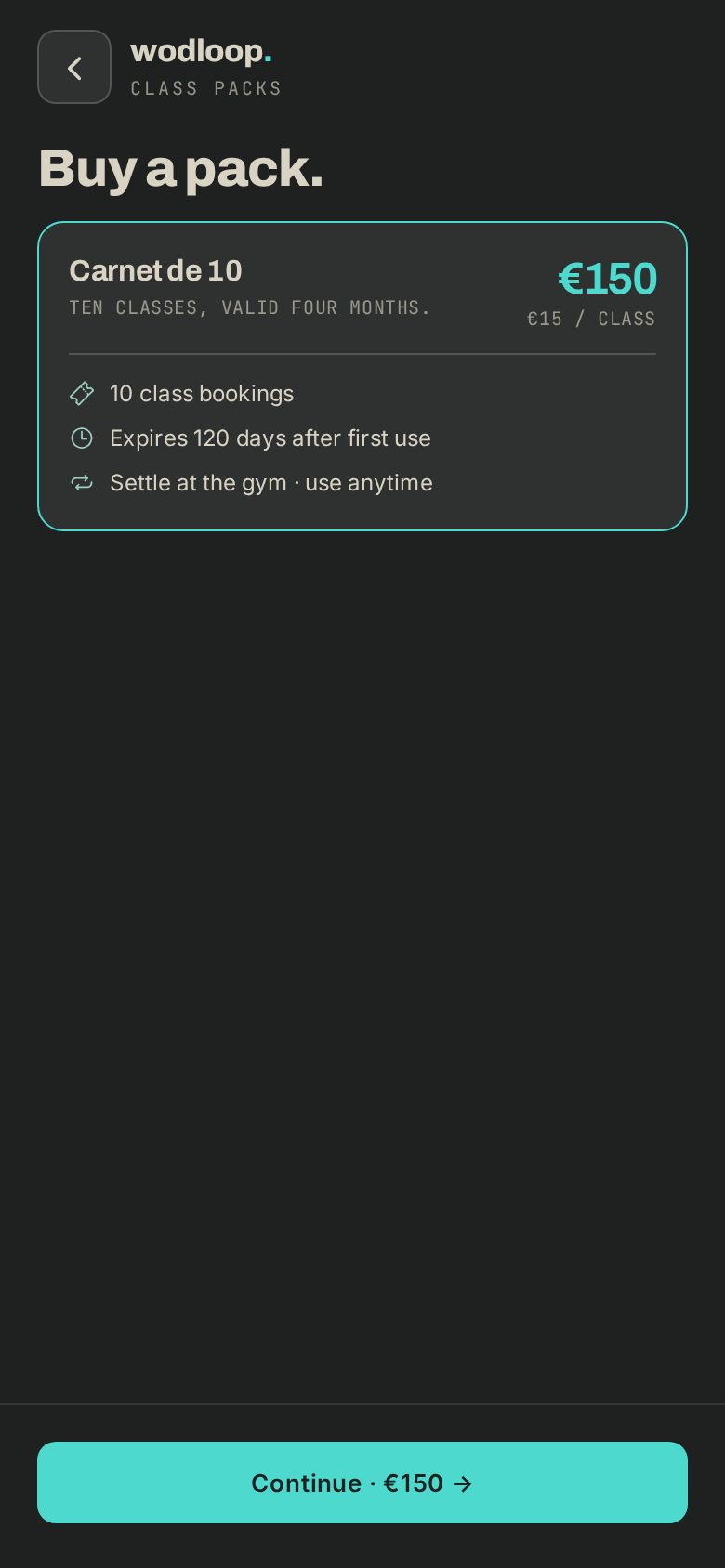
- Go to Profile > Packs, then Buy a pack.
- Pick a pack, tap Continue, then pay as for a membership (the button reads Add pack).
Manage your membership
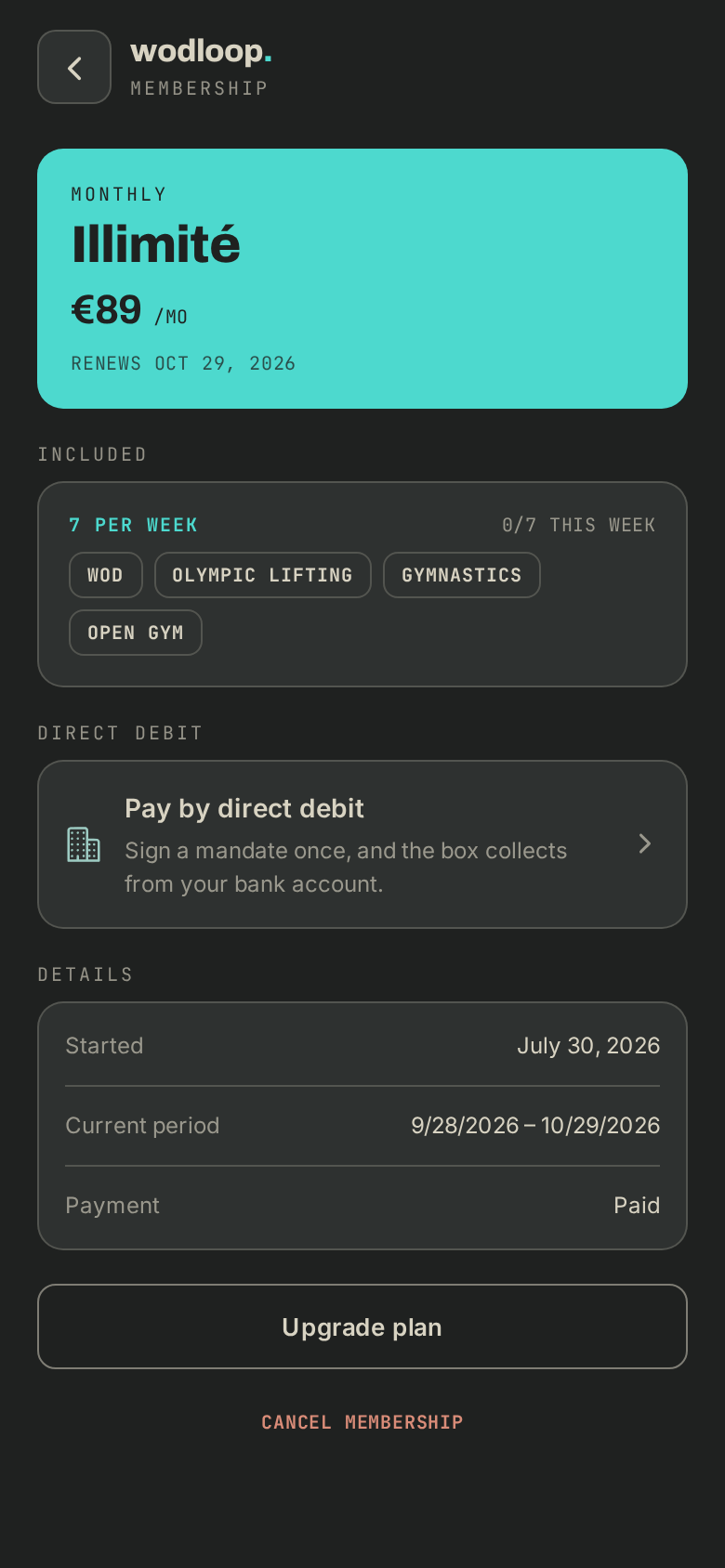
- Open Profile > Membership, then tap your box: current period, payment, this week's allowance.
- Upgrade plan moves you to a bigger plan. For a smaller one, ask your box.
- Cancel membership: you keep access until the end of the period, with no refund.
- An amount To settle shows on your Profile: tap it to see what and pay.
- Your receipts are under Profile > Receipts: tap a payment to open it, or the arrow to send it.
To pay by direct debit, read Pay by direct debit.
If it goes wrong
- Payment not completed: nothing was charged. Try again from your Profile, or pay at the box.
- A question about a price, a plan or a payment: contact your box. Its details are on its page: tap your box's logo at the top of the screen (with several boxes, About this gym), under Contact.
- A problem with the app itself: write to Wodloop support, support@wodloop.com.