The WOD and your PRs
See a class's WOD and log your personal records.
When your box publishes its programming, you see the WOD before you come, and you keep track of your PRs in the app.
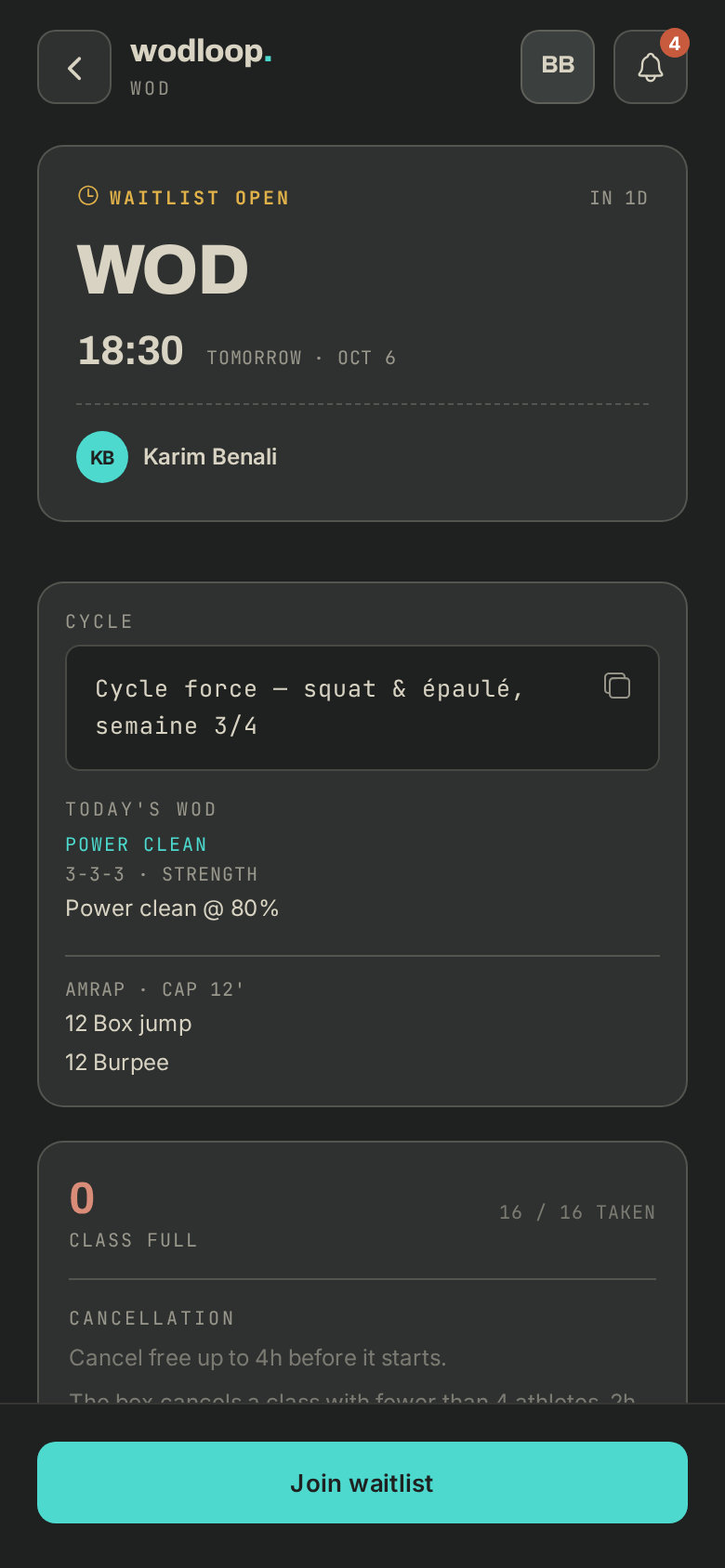
See the WOD
- In the Book tab, tap a class: the WOD shows under Today's WOD.
- Once booked, open your booking: it's under Class details.
If nothing shows, your box hasn't published the WOD for that class yet.
Log a PR
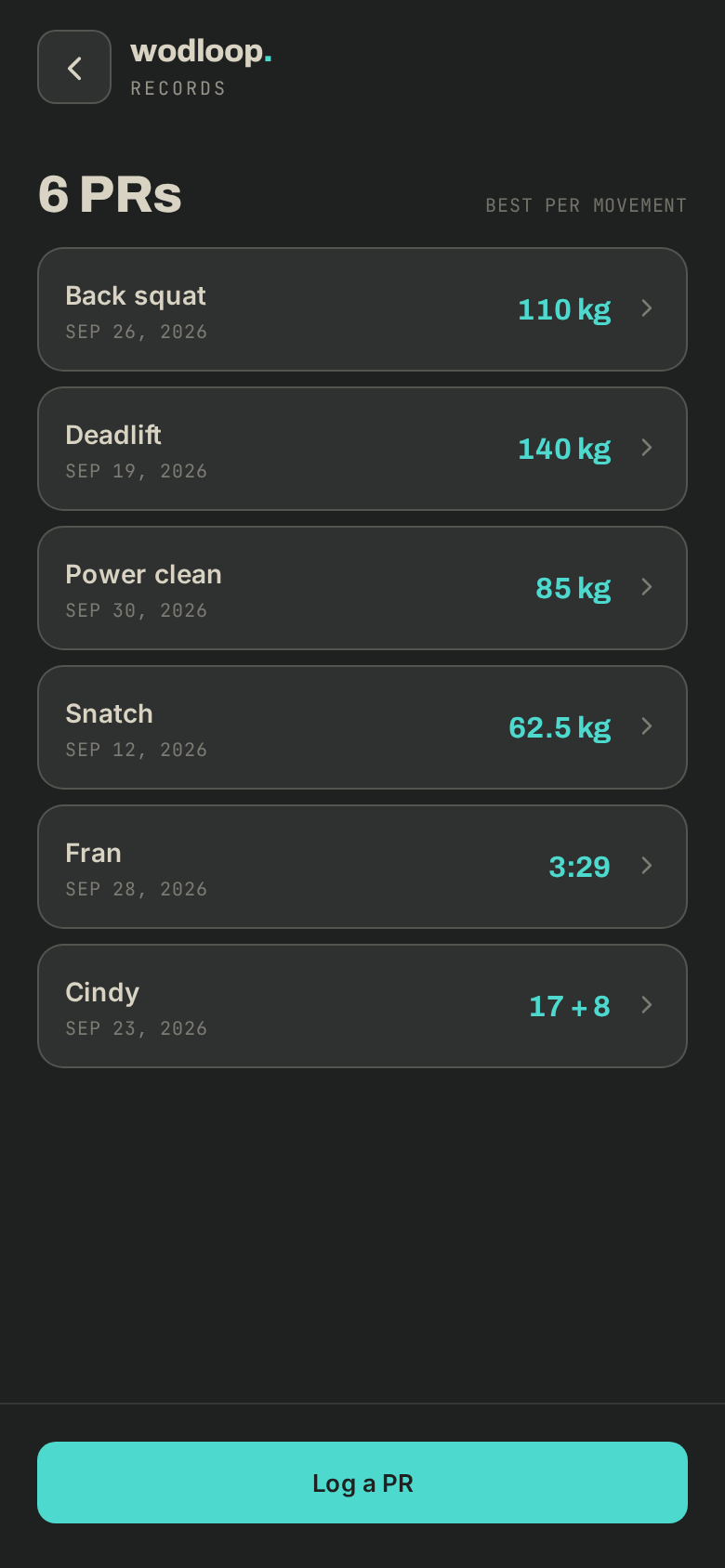
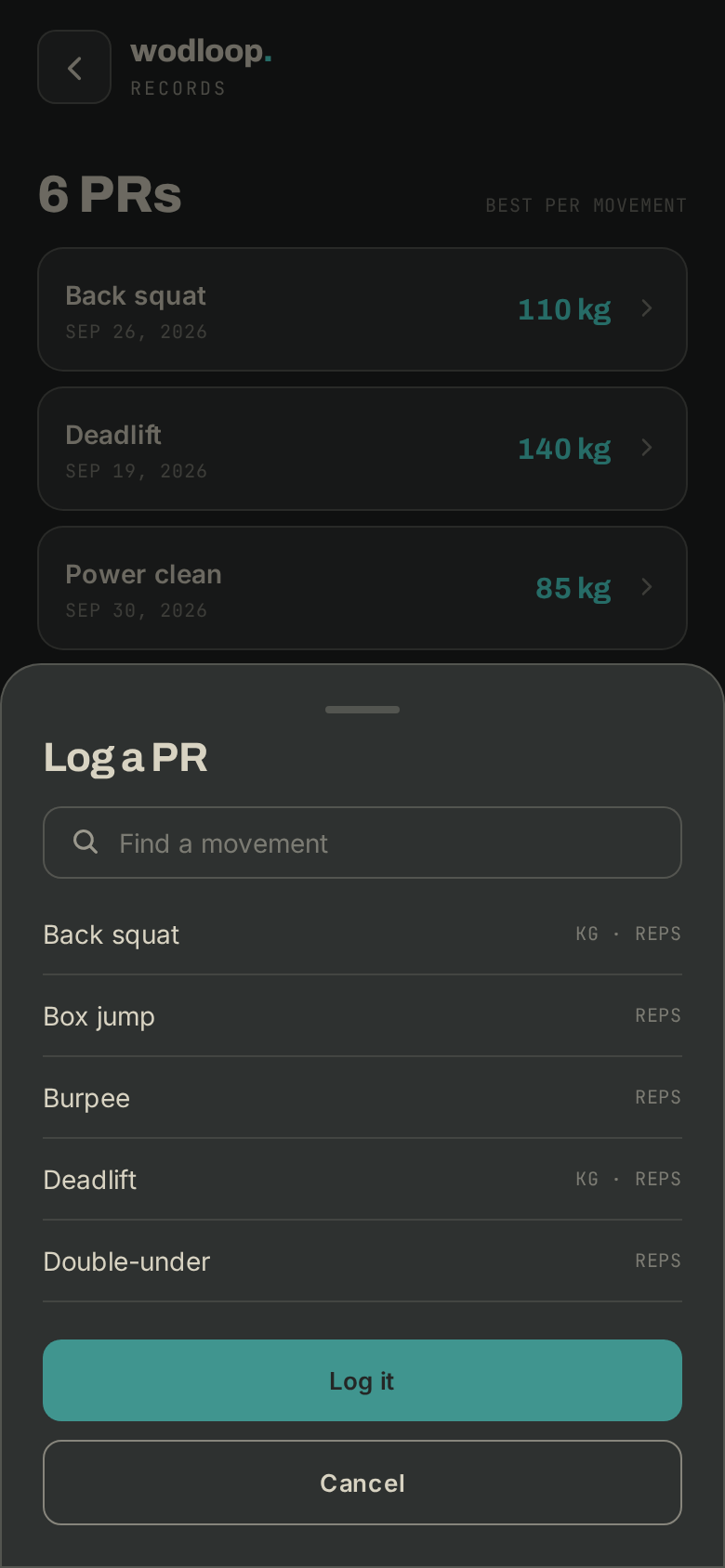
- Go to Profile > Records, then tap Log a PR. You can also use the Latest PRs card on the Today tab, or Log a PR from this class on a past class you attended.
- Pick the movement with Find a movement.
- Enter your Result (load, time, reps…), the Date and a Note if you like, then tap Log it.
- Your best result per movement becomes your PR. Tap a movement to see all your results, Correct one or Delete it: your PR is recomputed.
Your own programs
On a class with no coach, you can bring your own workout. In Profile > My programs, tap New program, then Add a workout in order. On your booking, Do my next workout puts the next one on it. Your programs stay private.
If it goes wrong
- The WOD or the class doesn't look right: contact your box. Its details are on its page: tap your box's logo at the top of the screen (with several boxes, About this gym), under Contact.
- A PR that won't save, or a problem with the app: write to Wodloop support, support@wodloop.com.