Export your data
Download the member list, money movements, receipts and SEPA mandate proofs.
Your data stays yours: each export covers the selected facility, as it stands when you download it. CSV files open in any spreadsheet.
The member list
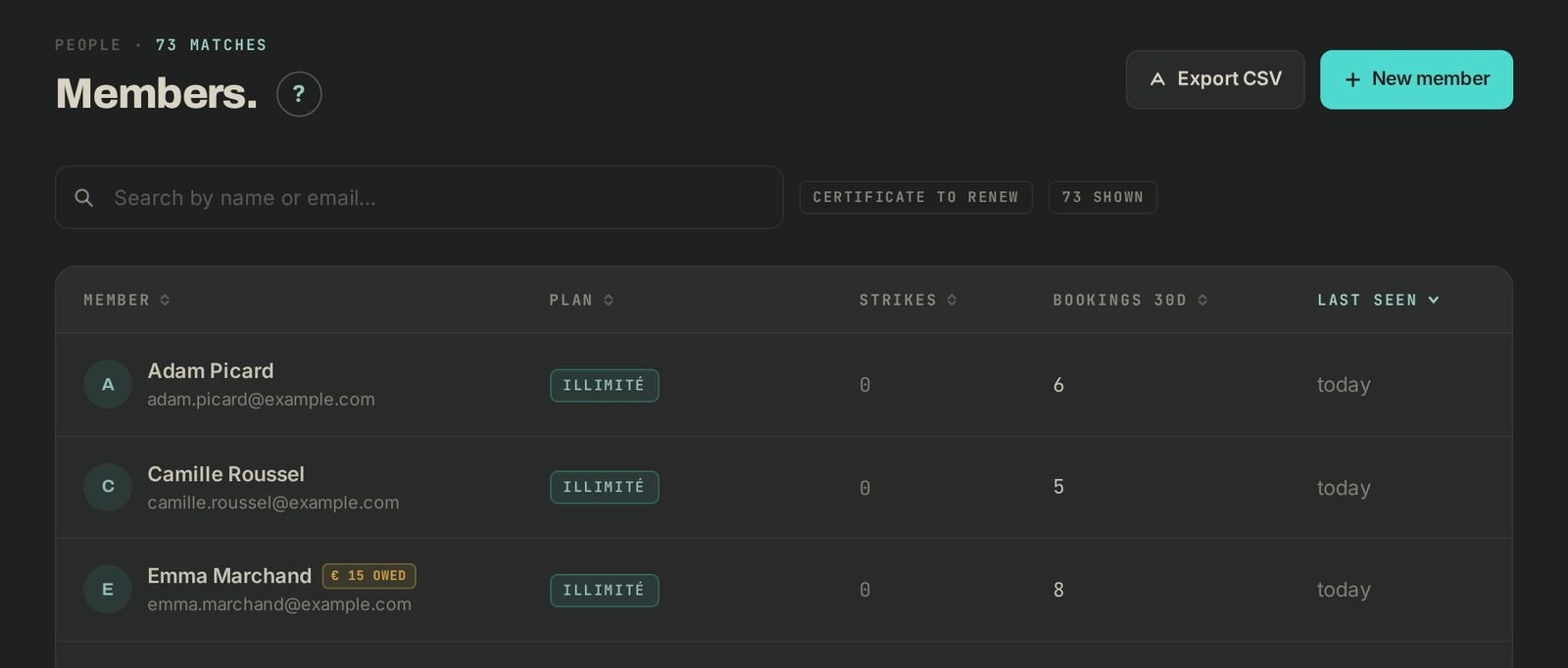
- Open Members in the menu.
- Click Export CSV, top right.
The file gives, for each member: first name, last name, email, plan, plan status, strikes, bookings over the last 30 days, last seen and amount owed.
Money movements
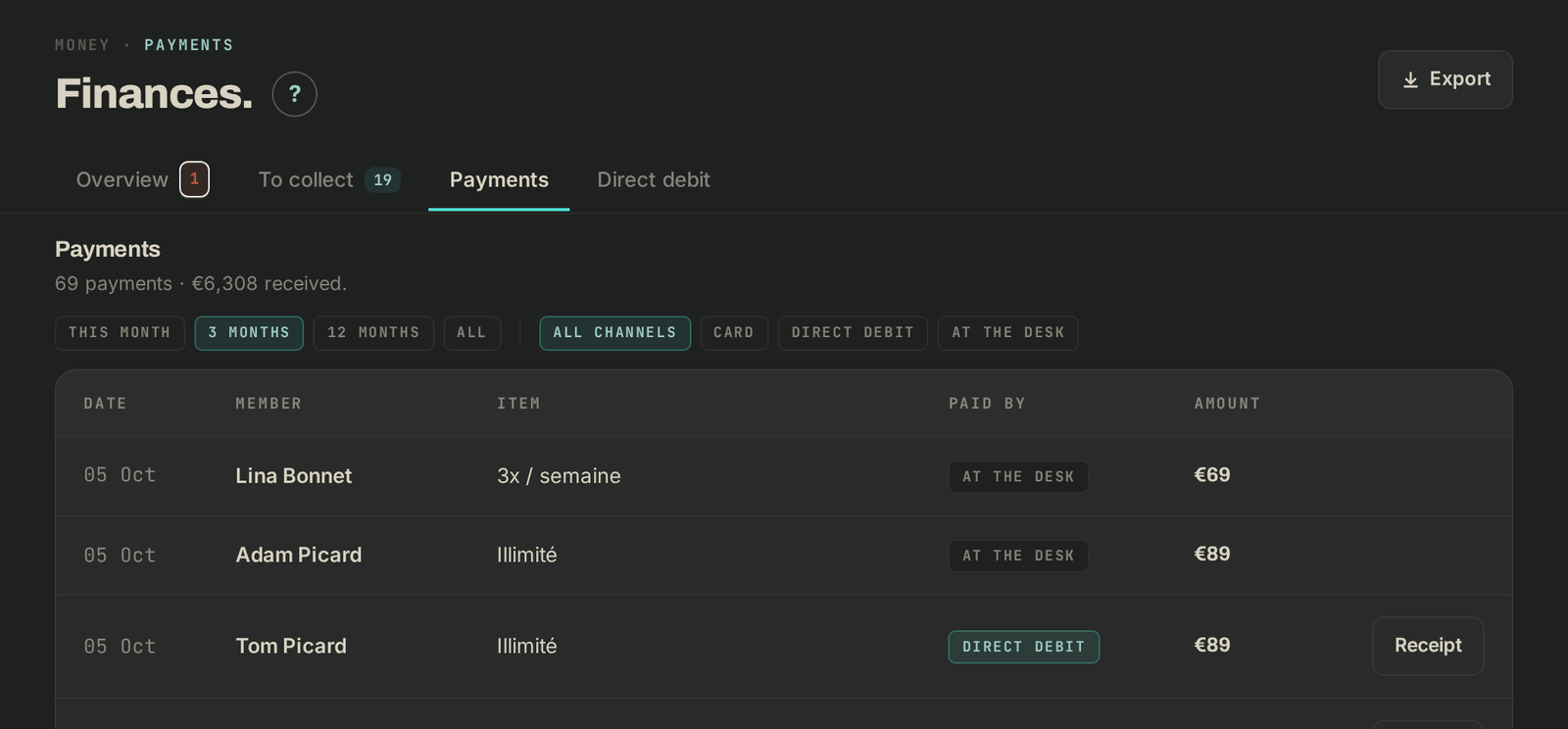
- Open Finances, Payments tab.
- Click Export, top right.
The file groups, section by section, unpaid items, payments coming due, collected payments and card payments. Filter on the section column in your spreadsheet.
On a payment row, the Receipt button downloads the matching receipt.
SEPA mandate proofs
If you debit your members, open Finances, Direct debit tab. In the Mandate proofs. block, click Download all mandate proofs: you get an archive with one PDF per mandate and a CSV index. Your bank can ask for these proofs up to 16 months after a debit: keep them, especially before you leave Wodloop.

If it goes wrong
- "Pick a facility first.": select a box in the menu, then run the export again.
- The mandate proofs block is missing: no mandate has been recorded yet.
- Anything else: write to Wodloop support, support@wodloop.com.